
Updated 12 December 2020 at 12:30 IST
How to make a snowman in Bloxburg? Follow this guide to find out
Bloxburg recently received a Christmas update in which the players can now directly create a snowman. So how to make a snowman in Bloxburg? Read on.
- Tech News
- 2 min read

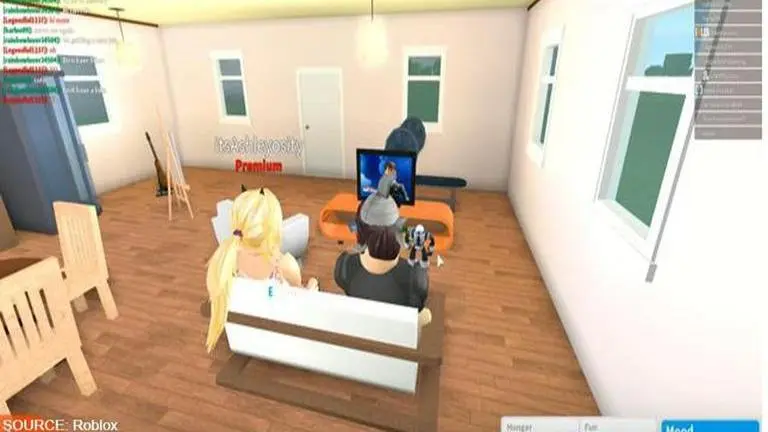
Roblox is one of the most popular gaming platforms which is created by the Roblox Corporation. It is possible to create and play different games that have been designed by users. Originally it was founded in the year 2004 by developers David Baszucki and Erik Cassel. The game is available for Microsoft Windows, Xbox One, Android, iOS, macOS, Fire OS, Classic Mac OS.
How to Make a Snowman in Bloxburg
One of the popular role-playing games that are made in Roblox is known as Bloxburg. The game recently received a new Bloxburg Chrismas Update. Ever since the update of 0.9.3, players can now create a snowman in the city of Bloxburg using the snow rather than having to buy a snowman in the Build Mode. Below are all steps to make a snowman and a list of changes in this latest update:
Advertisement
- How to Create a Snowman
- Find a place in the snow.
- Click on the ground.
- Tap “Make Snowman”
- Move across the area.
- Tap on the bottom area saying “place”
- Repeat.
- Get near the first snowball, and tap “place”.
- Repeat.
- Get near the second snowball, and tap “place”.
- Tap on the empty snowman and tap “decorate!”
Bloxburg Christmas Update
- Version 0.9.3:
- Winter is here and Bloxburg is now covered in snow!
- Added winter and Christmas themed decoration, furniture and food!
- Added Tom’s Tree Lot and Santa Photo-Op.
- Added Sno-Tek Snowmobile.
- Added chimneys.
- Added ability to build snowmen and throw snowballs.
- Added ability to place some objects on roof wall sections.
- Added ability to freely place banners, garlands and string lights between two points with Advanced Placement gamepass.
- Added ice skating and sledding.
- Minor build mode improvements.
- Major bug fixes.
- Version 0.9.2
- Removed Halloween items.
- Added Flared Mansard Roof.
- Added ability to resize build catalog window.
- Added ability to toggle the lights on kitchen hoods and backlit mirrors.
- Added new wall light switches.
- Added Report House button in permissions menu.
- Added interface color setting.
- Major bug fixes.
New items added to the game with Bloxburg Chrismas Update
- Mini Holiday Tree
- Nutcracker
- Bare Icicle Tree
- Bare Illuminated Tree
- Reindeer
- Star
- Jumbo Nutcracker
- Light Up Reindeer
- Bare Snowflake Tree
- Presents
Advertisement
Published By : Saurabh Sabat
Published On: 12 December 2020 at 12:30 IST